

How to Verify Patta Online: A Step-by-Step Guide for 2026
The patta is one of the most important types of land documents in Tamil Nadu, and before you purchase a plot, take out a home loan or apply for building approval you must make sure that the patta is valid and that it is in the seller’s name. The good point is that you now have no need to go to the taluk office in order to have a basic check. In this article we explain how to verify patta, what is a patta, how to view it online, step by step, and what you should look out for before purchasing land.
What Is a Patta?
A patta is a land revenue document produced by the Tamil Nadu Revenue Department and lists as the owner of a given piece of land both its survey number, extent and type of land. To put it simply, it connects the land with its owner in the official records.
A patta is a document relating to revenue rather than a title deed; although it proves ownership it does not take the place of the registered sale deed and so both documents should always agree.
You will often see these related records alongside a patta:
|
Record |
What it shows |
|
Chitta |
Land type (wet or dry), extent and ownership; now combined with the patta in a single document |
|
A-Register |
Detailed village land record with survey numbers, classification and ownership history |
|
FMB sketch |
Field Measurement Book sketch showing the shape, boundaries and measurements of a survey number |
|
TSLR |
Town Survey Land Register, the equivalent record for land in urban areas |
How to View Patta Online: Step by Step
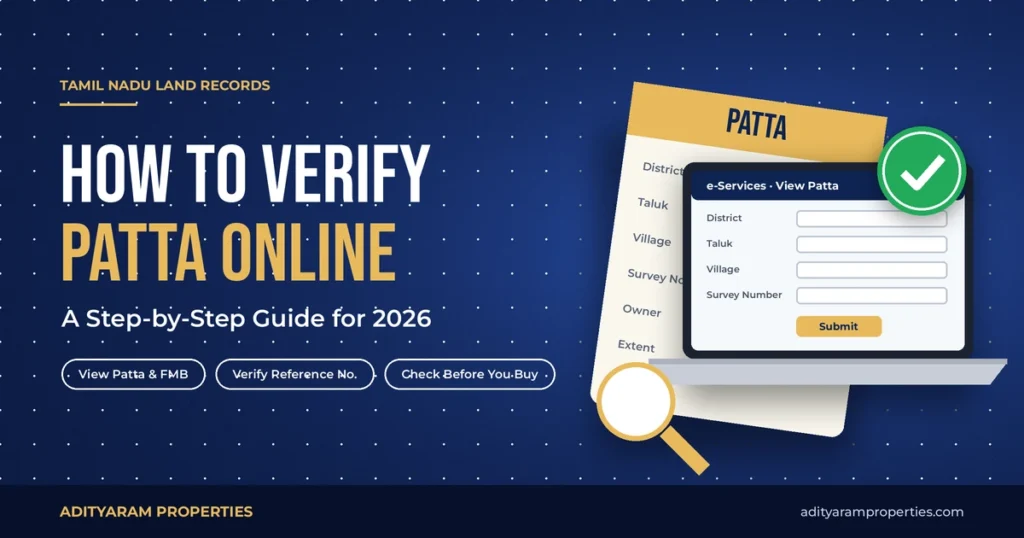
Before you begin, make sure that you have the name of the district, the name of the taluk and the name of the village at hand, together with either the survey number and the subdivision number or the patta number. These details can typically be found on the sale deed or on a copy of an old patta.
1. Open the portal: Access the Tamil Nadu e-Services portal at eservices.tn.gov.in.
2. Select the service: Choose the option for viewing the Patta and FMB / Chitta / TSLR extract.
3. Choose whether it is rural or urban: If the land is that of a village select rural, otherwise select urban.
4. Enter the details of the location: Choose the district, taluk and village from the dropdown lists.
5. Decide on the method of search: Select either the patta number or the survey number, then input the number and the subdivision.
6. Complete the captcha: Fill in the captcha and then click Submit.
7. Review and download: The details of the patta are displayed on the screen, and you can download or print the extract.
How to Verify a Patta Is Genuine
The information on the patta matches that in the government records and you should also check that the printed patta provided by the seller is genuine.
1. On that same portal, select the Verify Patta option.
2. Enter the reference number which is printed on the patta copy.
3. Take the results and compare them with the printed document, making sure that all the details such as the owner’s name, the survey number, and the extent agree exactly.
If the reference number yields no answer or different information, then the document should be regarded as suspicious and it is necessary to check with the taluk office before proceeding.
Since the menu items and the names of the options can vary, when a label appears to be different, check the e-Services home page for the option that most closely matches it.
What to Check in a Patta Before Buying Land
A patta which is available online is a good first step. Nevertheless, you should carefully check those details before making any advance:
- Owner’s name: The name of the owner should exactly match the seller’s name as it appears on the sale deed and on the ID proof.
- Survey and subdivision number: The Survey and subdivision number should match those shown in the sale deed, the layout plan and the FMB sketch.
- Extent: The area of land stated on the patta must be the same as the area that you are purchasing.
- Land classification: Check the type of land to see if it is designated as dry, wet or poramboke; since poramboke land is government land it usually cannot be sold privately.
- Joint patta: If multiple owners jointly hold a patta, it is necessary to ensure that all of them agree to the sale.
- FB sketch: Compare the boundaries and shape of the FMB sketch with those of the actual plot on site.
Also check the encumbrance certificate (EC) on the TNREGINET portal (tnreginet.gov.in) in order to check the registered transactions and any loans relating to the property, and finally get a property lawyer to go through the entire title chain since the online records by themselves cannot show every legal issue.
Common Problems and How to Fix Them
|
Problem |
What it usually means |
What to do |
|
Patta not found online |
Wrong village, survey number or rural/urban selection |
Recheck details from the sale deed; try the other search option |
|
Owner name does not match |
Patta not yet transferred after a previous sale |
Ask the seller to complete the patta transfer before you buy |
|
Spelling differences in the name |
Data entry errors in records |
Apply for correction through the taluk office or online services |
|
Extent differs from the sale deed |
Subdivision not updated |
Request subdivision and updated patta before registration |
|
Joint patta with many names |
Land held by several owners |
Get consent from all owners, or ask for a subdivided patta |
Once you have purchased some land, you should apply for a patta transfer in your name. In Tamil Nadu, this can be carried out online using the Tamil Nilam citizen portal (tamilnilam.tn.gov.in) or through the e-Sevai centres, and you can monitor the status of your application online.
Conclusion
It takes just a few minutes to verify a patta online and this can help you avoid making expensive mistakes. Before purchasing, you should always look at the patta, check its reference number, compare it with the sale deed and the EC, and have it reviewed by a lawyer.
At Adityaram Properties we provide buyers with the approval and land documents so that they can check them on their own.
Frequently Asked Questions
1. Can you view patta online in Tamil Nadu at no cost?
Yes, it is free to view and download a patta extract from the Tamil Nadu e-Services portal.
2. Is a patta the same as a sale deed?
No, a patta is a revenue record that shows the name of the owner, and the sale deed is the registered legal document establishing ownership. The two documents should correspond.
3. What is the difference between a patta and a chitta?
Chitta included information about the type of land and its extent, whereas patta dealt with the question of ownership; nowadays the two are issued as one document, the patta-chitta.
4. Is it possible to verify a patta without having the patta number?
Yes, you are able to carry out a search by means of the survey number and the subdivision number together with the district, taluk and village.
5. How can I tell if a patta copy is fake?
To use the Verify Patta option on the e-Services portal, refer to the reference number that is printed on the copy; if the details do not agree or if no record shows up, then the copy is likely not genuine.
6. How long does it take to transfer patta in Tamil Nadu?
The timelines will differ according to the taluk and in relation to whether subdivision is required. Once you have applied, you can monitor your application online.